Monolithic Applications - Getting Started with Learning
Prerequisites
vFunction requires a Server to be installed for the backend analysis and the UI. vFunction also requires the vFunction Agent (Dynamic Analysis) and Viper (Static Analysis) process.
Getting Started
While an application is running, vFunction collects the data required for analyzing the application. This process is called Learning and the resulting, analyzed data is called a Measurement.
In the vFunction Server UI:
- Select the relevant application in the top-left dropdown
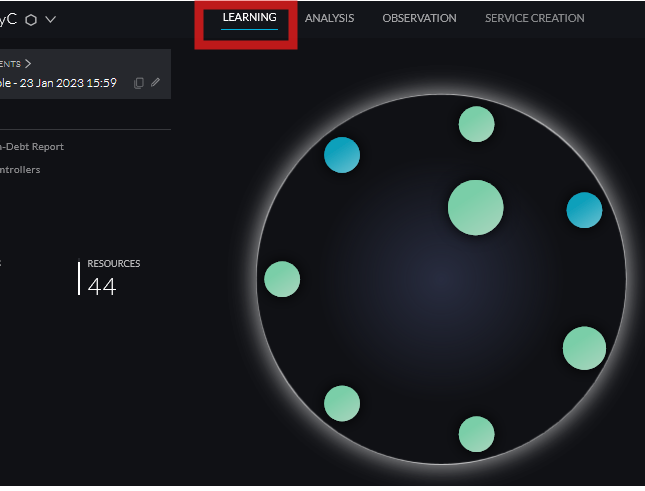
- Choose the Learning tab in the top-center menu bar
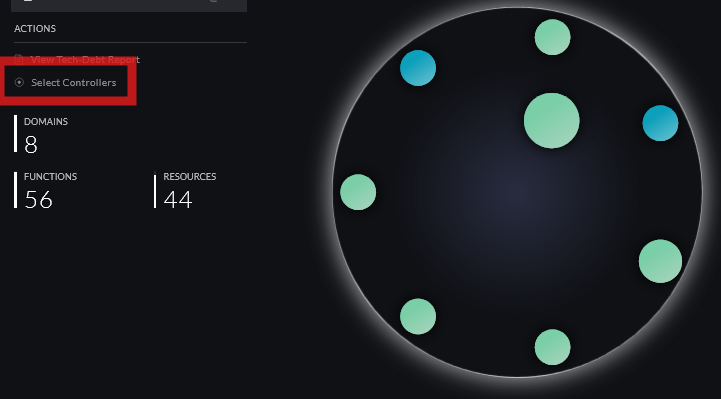
- Click Select Controllers on the left-hand sidebar
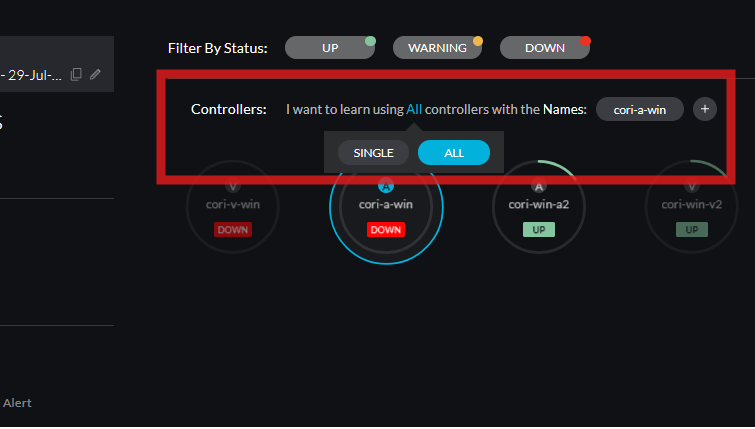
- Modify the top-center sentence to define which Controllers will be learning. Note that the bold words are toggles that can be clicked and changed. Click the Plus Symbol at the end of the sentence to add Controllers
Controllers: I want to learn using A SINGLE / ALL controllers with the NAME / TAG:
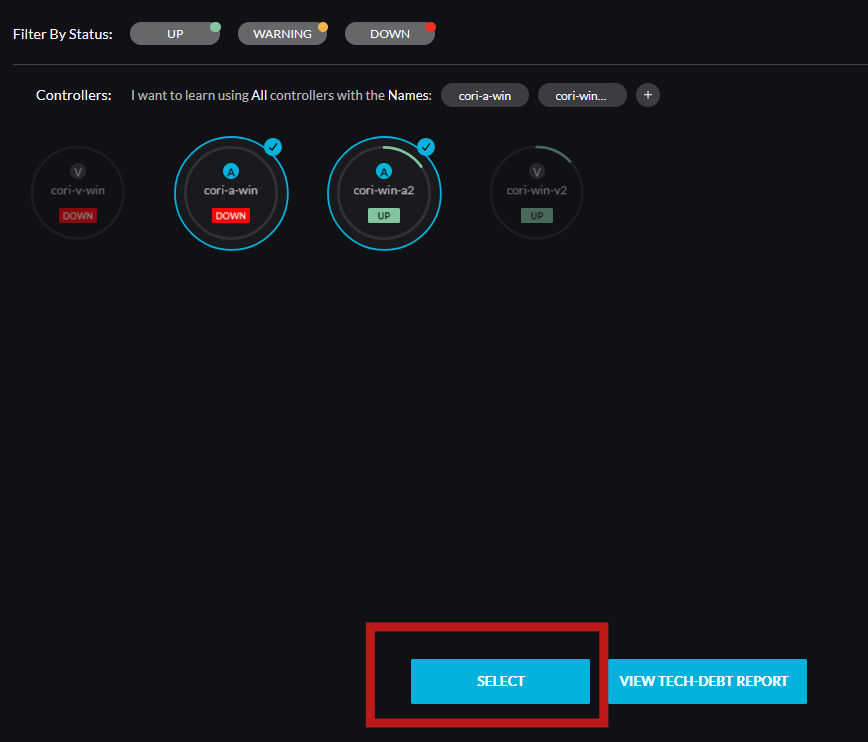
- Click the blue SELECT button at the bottom of the screen to save the Learning and Analysis configuration
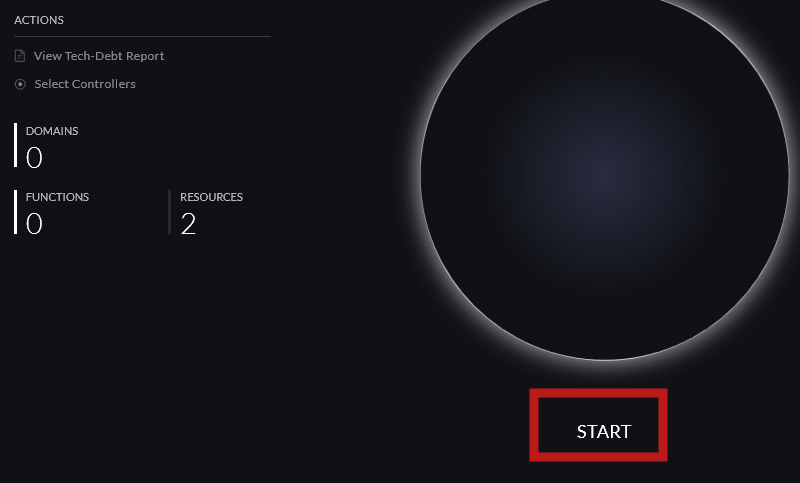
- Click START below the white circle to start Learning and enable the Runtime Agents to send stacks to the vFunction Server
- Stop the Learning by clicking STOP in the vFunction Server UI